General Options
General Options
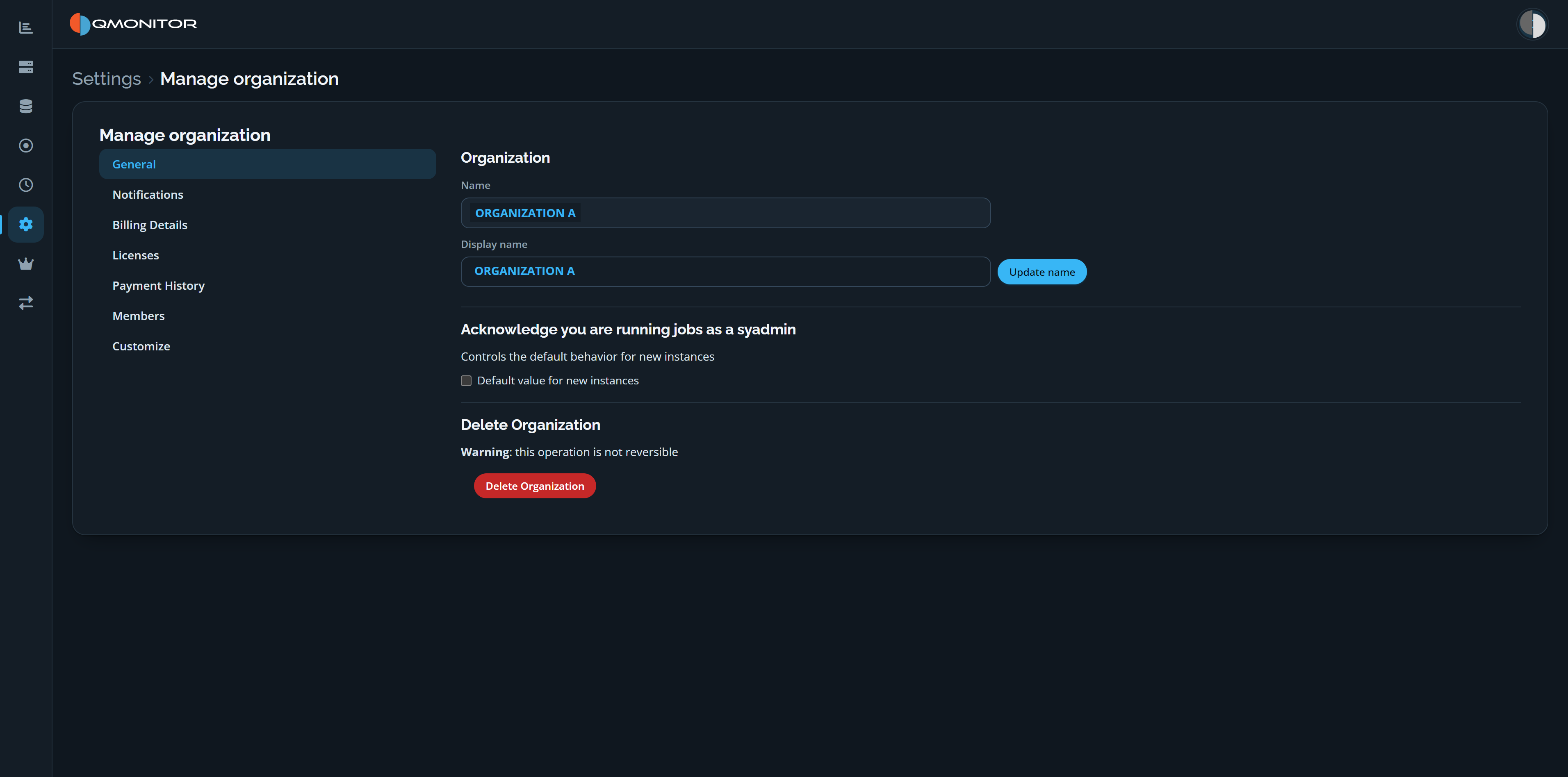 Manage organization page showing the General settings for organization name, default instance behavior, and deletion
Use the menu on the left to switch between General and other organization settings, including Notifications, Billing Details, Licenses, Payment History, Members, and Customize.
Organization name and display name
- Name: a machine-safe identifier used by ConfigWizardCmd and agents. The actual name is sanitized to remove or replace characters that could break scripts or client tools; avoid spaces and punctuation when choosing an organization name.
- Display name: a human-friendly name shown in the UI and reports. Click Update name to save a change to the display name.
QPilot
The organization owner can turn off the AI features with Enable QPilot (AI features), which is on by default. When it is off, no data of the organization is sent to the AI model, Ask QPilot and Generate Assessment are hidden in the portal and in the dashboards, and QPilot requests answer that QPilot is disabled.
Delete Organization
- Delete Organization permanently removes the organization and all organization-scoped data. The page warns that this operation is irreversible; it requires explicit confirmation (type-to-confirm). Only organization owners can perform deletion.